QS Logs
Track habits, moods and ratings with a single tap.
🔒 No internet access. No account. No tracking.
Get it on Google Play
Free. Android 7.0 and later.
Track habits, moods and ratings with a single tap.
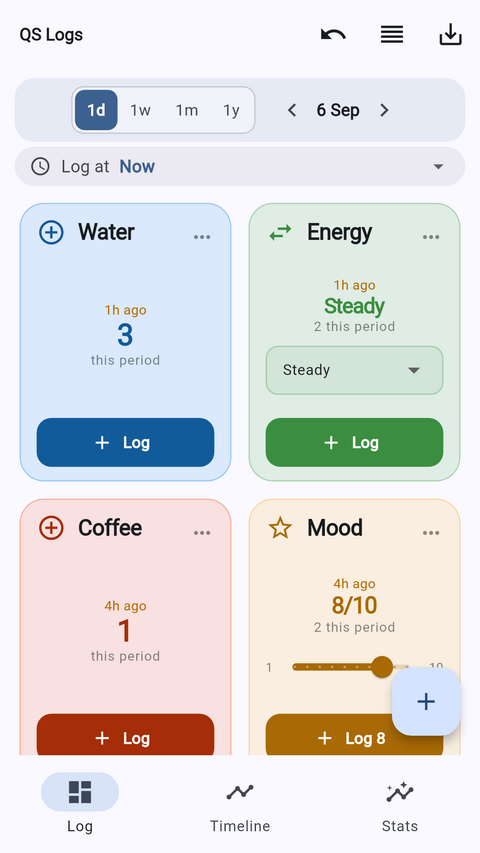
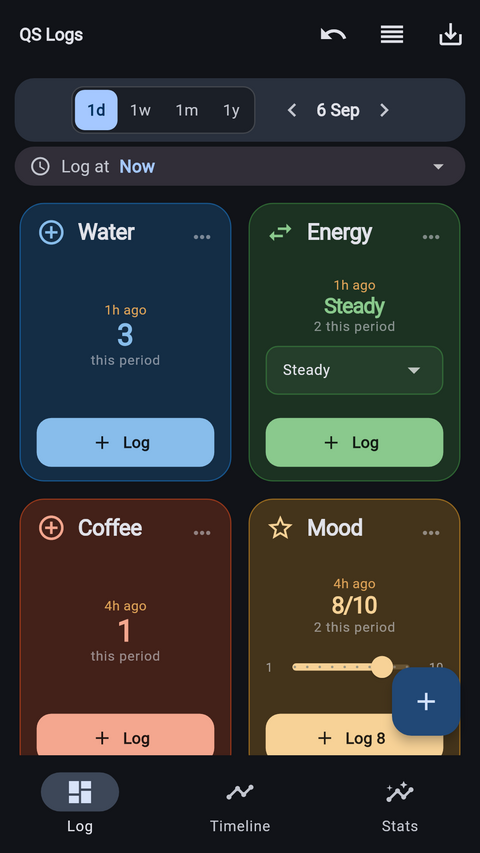
🔒 No internet access. No account. No tracking.You build the screen yourself out of tiles. Name them, colour them, set their scales, and drag them into whatever order suits your day.
Tap to record that something happened. Glasses of water, coffees, walks — anything you want a number for.
Pick from your own list of options. Energy: High, Steady, Low. Anything with a small set of named values.
A slider on your own scale. Mood out of 10, sleep quality out of five. Whatever you actually want to measure.
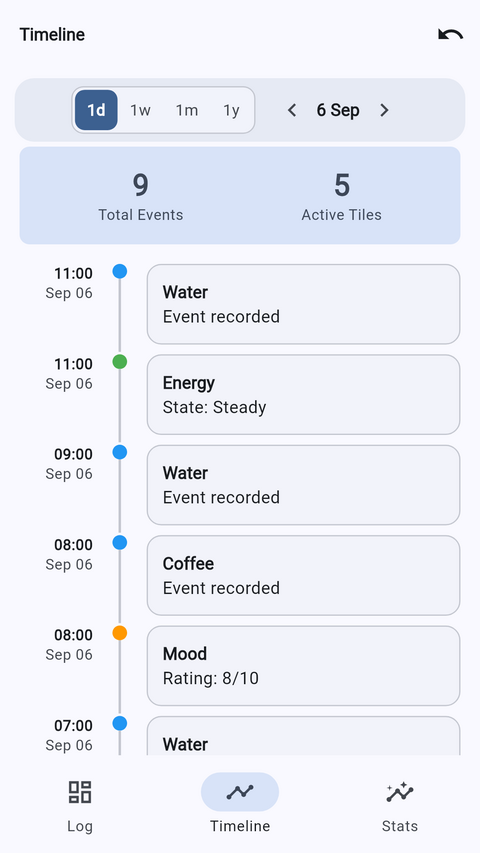
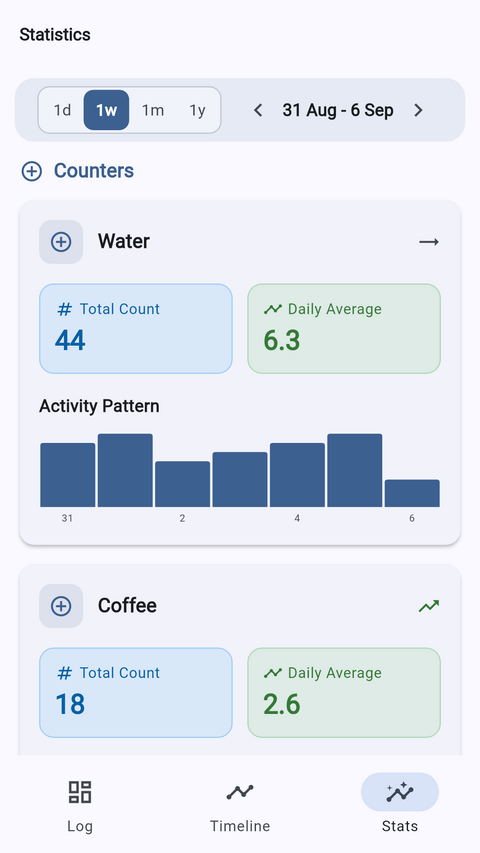
Switch the whole app between a day, a week, a month or a year and step backwards through time. Every entry is listed newest first, and anything logged by mistake comes out in a tap. Logging late is normal, so you can backdate an entry by up to 24 hours.
This is the part most trackers get wrong, so it is worth being precise:
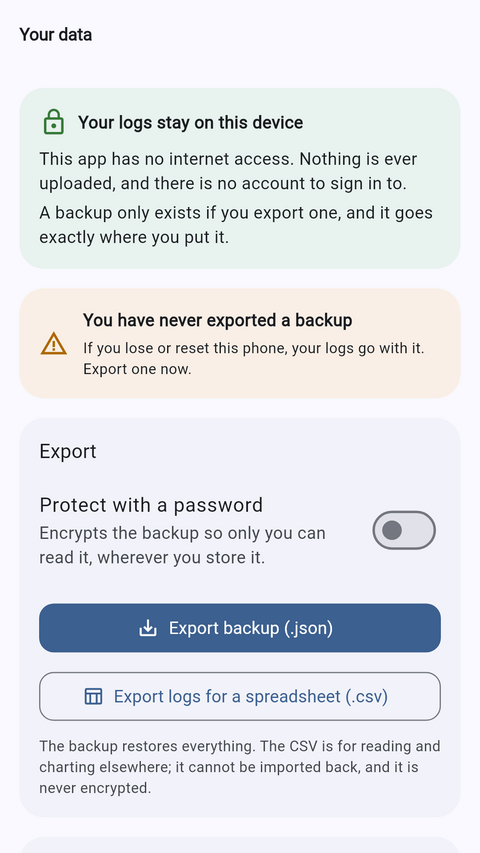
Nothing is backed up unless you ask for it, and it goes exactly where you put it.
Export everything as a .json file and import it back
whenever you like.
Protect a backup with a password and it is encrypted with AES-256-GCM. Nobody without that password can read it — including us, because we never see it.
Export entries as .csv to chart them elsewhere. CSV is
never encrypted, because other software has to be able to open it.